

Most phishing advice focuses on spotting something suspicious: a strange link, an urgent message, a typo that gives the attacker away.
But what happens when an attack looks exactly like normal work?
You click a link. You see a familiar “Login with Microsoft” button. A login window appears. You sign in and move on. Nothing feels wrong.
And that is precisely why this type of phishing works.
Familiarity is now the attack surface
Modern work is built on speed and familiarity. Employees log in dozens of times a day – to email, cloud platforms, internal tools, and partner systems. Single Sign-On has been designed to remove friction, not add it.
Over time, organizations have trained people to trust one thing above all else: If the login page looks right, it probably is.
That assumption no longer holds.
When a login window isn’t really a login window
In newer phishing campaigns, attackers don’t rely on urgency, fear, or obvious deception. Instead, they replicate what users already trust: the login experience itself.
What looks like a normal browser login window is, in reality, part of the web page. It is rendered by the site the user is visiting – not by the browser or the identity provider. Visually, it is indistinguishable from the real thing. Functionally, it is controlled by the attacker.
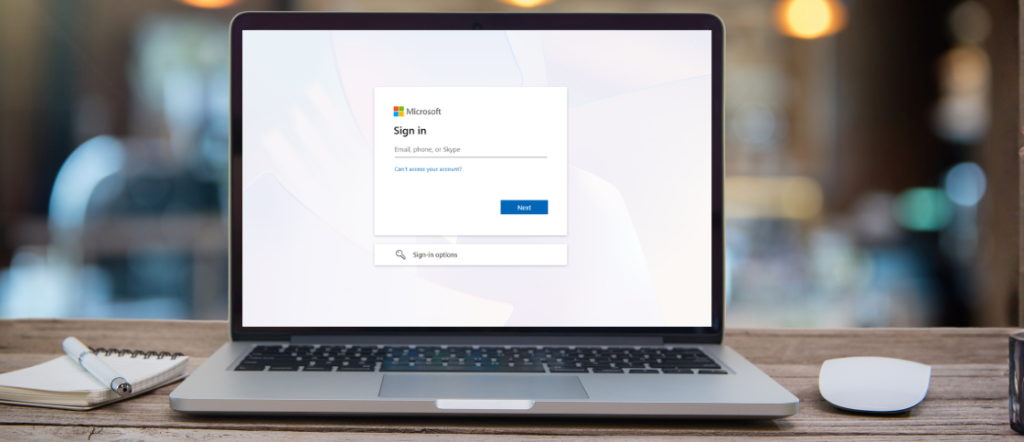
This technique is known as Browser-in-the-Browser phishing and relies on a simple idea: the login looks real, but it isn’t.
Why this attack works so well
We first mentioned this technique in an earlier article. Here, we take a closer look at why these fake login windows work so effectively.
This type of phishing relies less on obvious mistakes and more on everyday habits. It blends into normal workflows rather than interrupting them.
Employees are conditioned to:
- Click “Login with Microsoft” or “Login with Google”
- Expect consistent design and branding
- Move quickly through authentication prompts
- Trust processes that feel routine
From the user’s perspective, nothing unusual happened. In fact, they followed the process exactly as designed.
Why traditional controls struggle here
Many organizations assume that strong passwords and multi-factor authentication are sufficient protection against phishing. In many scenarios, they are – but modern attacks increasingly work around those assumptions.
With attacks like BitB:
- Email security may not catch every malicious link, especially when the message itself looks legitimate
- The login page may not appear suspicious to users or be flagged immediately
- Credentials are entered willingly, without coercion
- The authentication flow feels normal from the user’s point of view
BitB phishing reliably captures credentials. In more advanced campaigns, it is combined with real-time interception techniques to capture MFA approvals or session tokens, enabling attackers to move quickly once access is obtained. Nothing visibly “breaks.” Access simply happens.
In practice, this is where continuous monitoring becomes critical – looking at how identities behave over time, beyond whether a login technically succeeds.
What happens after access is gained
Once valid credentials are in the hands of an attacker, the issue stops being about phishing and starts being about exposure.
Access can extend to:
- Corporate email and internal discussions
- Cloud applications and shared workspaces
- Financial workflows and approval chains
- Customer data and regulated information
At this stage, the impact is measured not in clicks or logins, but in fraud risk, compliance exposure, and reputational damage.
What security leadership needs to rethink
Modern phishing forces a shift in perspective. It is no longer enough to:
- Tell users to “check the link”
- Assume familiar login pages are safe
- Rely on a single technical control to protect identity
Organizations need to:
- Treat identity as a primary attack surface
- Combine user awareness with behavioral and contextual monitoring
- Rethink where and how authentication is initiated
- Design defenses for attacks that look legitimate, not suspicious
The most effective attacks today don’t try to stand out. They blend in.
Addressing this consistently requires more than periodic training or isolated controls. It requires ongoing review of identity exposure, user behavior, and real attack patterns – combined into a single, continuously managed approach.
One takeaway to remember
If a login looks familiar and feels routine, that doesn’t mean it’s safe. In fact, that familiarity may be exactly what makes it dangerous.
